


Royaluxe™ Ultra Recovery Converter
Royaluxe™ Ultra Recovery Converter
Recover lost data from old or dead computers instantly without any technical setup.
Couldn't load pickup availability


Royaluxe™ Ultra Recovery Converter
We offer tracked and insured shipping for all of our orders. Order processing takes 1–3 business days before shipment.



What connections does this device support?
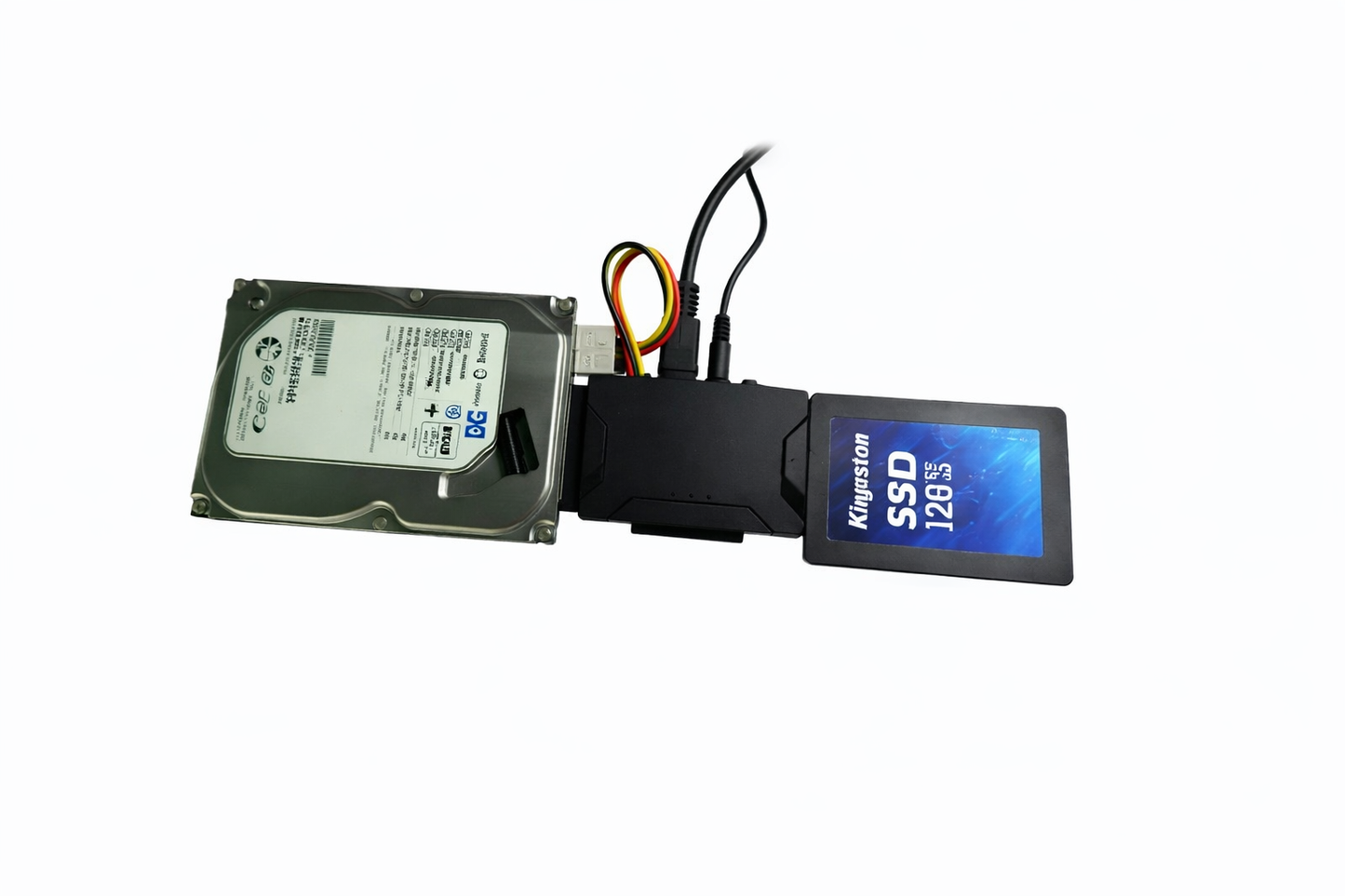
The Royaluxe™ Ultra Recovery Converter supports both IDE and SATA connections, allowing you to connect 2.5" and 3.5" hard drives as well as SSDs. It works as an all-in-one solution so you don’t need multiple adapters.
It includes a USB 3.0 port for fast data transfer, a 4-pin power input, a DC 12V power port, and an ON/OFF switch for safe and controlled usage.

Can I connect and manage multiple drives with this device?
Yes. The Royaluxe™ Ultra Recovery Converter lets you connect up to 3 hard drives at the same time, making it easy to access, transfer, and manage files across different devices without switching cables. It supports both 2.5" and 3.5" HDDs and SSDs, and handles capacities up to 6TB, so you can work with everything from old drives to large modern storage. Whether you're backing up data, transferring files, or organizing multiple drives, it gives you a simple and efficient all-in-one solution

How To Use Royaluxe™ Ultra Recovery Converter
Step 1: Connect Your IDE Drive
Plug the 12V power adapter into a wall outlet, then connect your old IDE hard drive into the designated 2.5" or 3.5" IDE port.
Step 2: Connect Your SATA Drive (Optional)
Insert your SATA hard drive or SSD into the SATA port. It supports both 2.5" and 3.5" drives, allowing you to work with different storage types.
Step 3: Connect To Your Computer
Use the USB 3.0 cable to connect the converter to your computer, then turn the ON/OFF switch to ON. Your computer will recognize it instantly like a regular USB device.
Step 4: Access Your Files
Open your file explorer and locate the connected drive. You can now view and manage your files easily.
Frequently Asked Questions
Do I need any software or drivers to use this?
Do I need any software or drivers to use this?
No. The Royaluxe™ Ultra Recovery Converter is completely plug and play. Just connect your drive and it will be recognized instantly by your computer
Can I recover data from a dead computer?
Can I recover data from a dead computer?
Yes. Even if your computer no longer works, you can remove the hard drive, connect it to this device, and access your files easily.
Is it compatible with all operating systems?
Is it compatible with all operating systems?
It works with Windows, Mac, and Linux. It is also backward compatible with USB 2.0, so it can be used on older systems as well.
What types of drives can I connect?
What types of drives can I connect?
It supports 2.5" and 3.5" SATA HDDs and SSDs, as well as IDE drives, making it a complete solution for different storage devices.
Access Your Data with Royaluxe™ Ultra Recovery Converter — Fast, Simple, Reliable
Easily access, transfer, and recover files from old or inactive hard drives with a simple plug-and-play setup. Designed to support both IDE and SATA drives, it gives you a quick and reliable way to manage your data without any complicated steps.